Categories
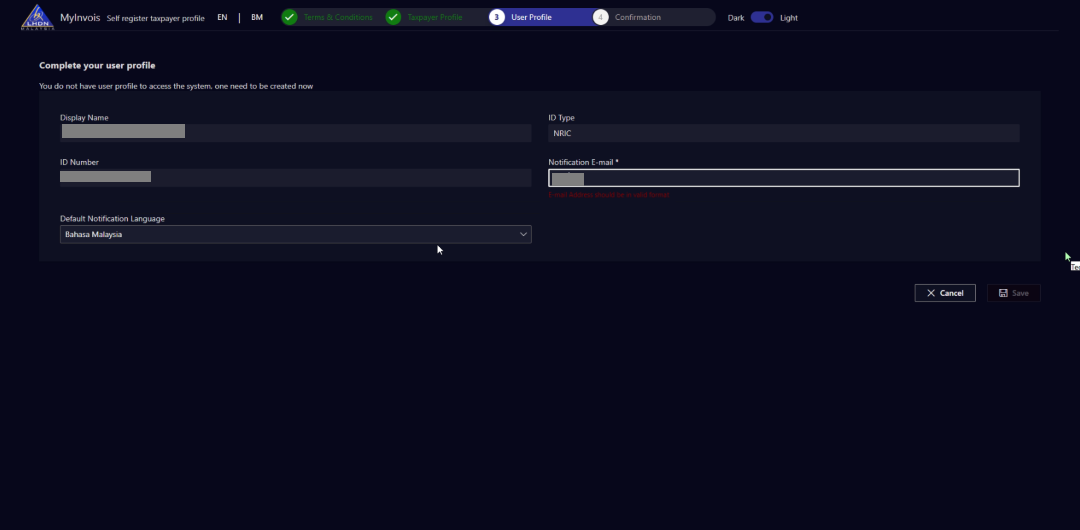
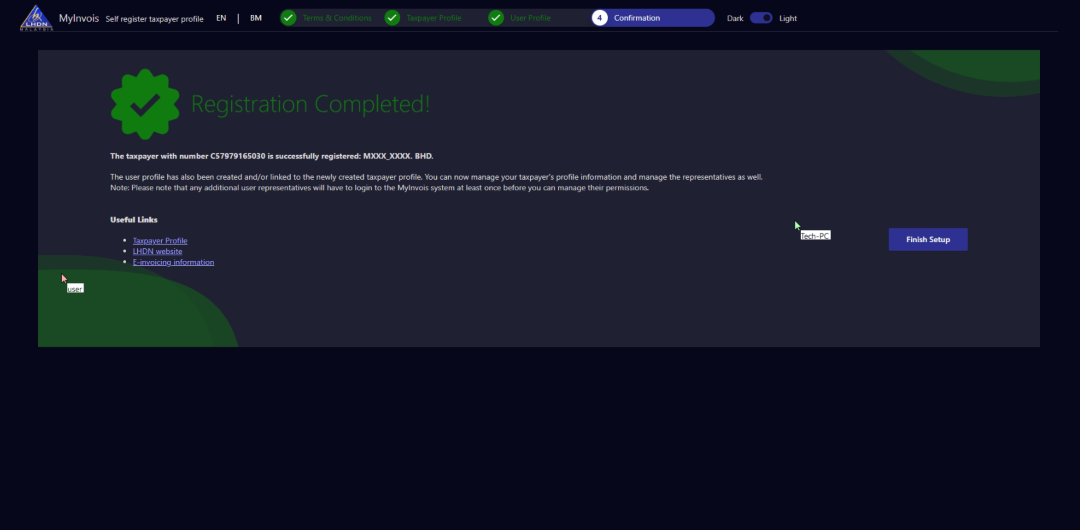
Step 1 - MyTax Registration - First Time Login
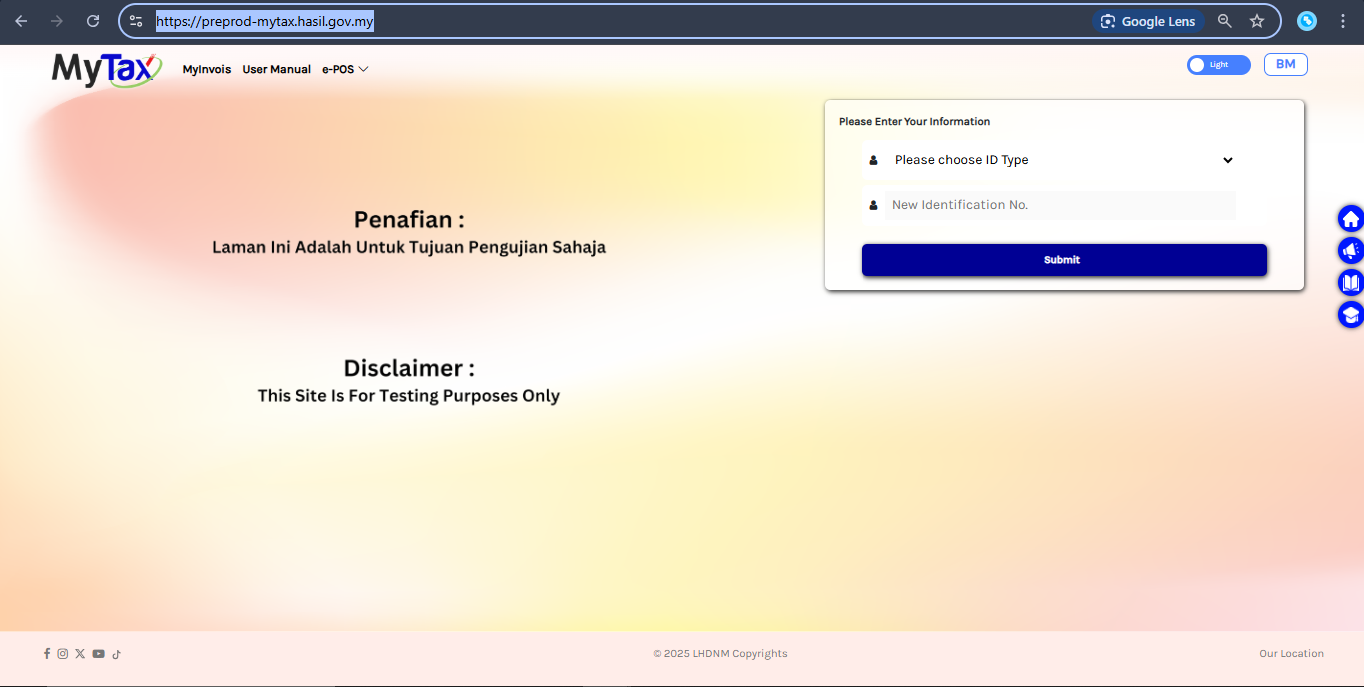
LHDN having 2 kind server that is Preprod Server and Actual Server
Sandbox (Testing)
https://
preprod
-mytax.hasil.gov.my/
This Sandbox (Testing) portal lets taxpayers try out the features before using the Production (Live). Any data entered in the sandbox is only for testing, it won’t be saved in LHDN database or carried over to the Production (Live).
Production (Live) https:// mytax .hasil.gov.my/

Register with MyTax Portal (First Time Login)
For Testing (Sandbox Environment)
1. Visit:
https://
preprod
-mytax.hasil.gov.my/
2. Select Identification Card No. | insert Director’s Identification Number | Click on Submit button

3. Click on MyInvois button.
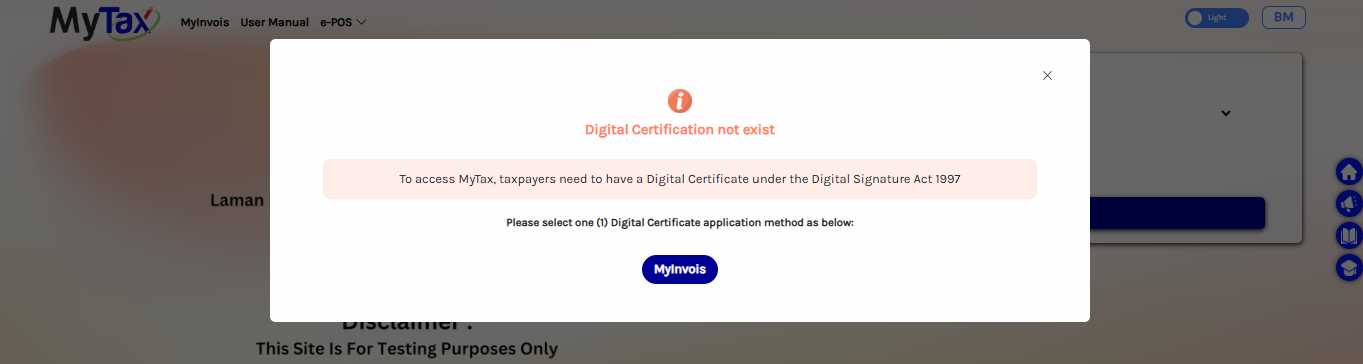
4. Check your email address shown on the screen. If the email is correct and still active, click Yes / Ya ; If the email is wrong or inactive, click No / Tidak .

5. Double-check all details. Make sure the email address is valid and accessible. Once everything is correct, click Submit .

6. Click on OK button. Then, go to the Gmail to check the message from the LHDN to get the PIN verification.