Categories
SQL ACCOUNT INSTALLATION
1. Double click setup file to install

2. Click on
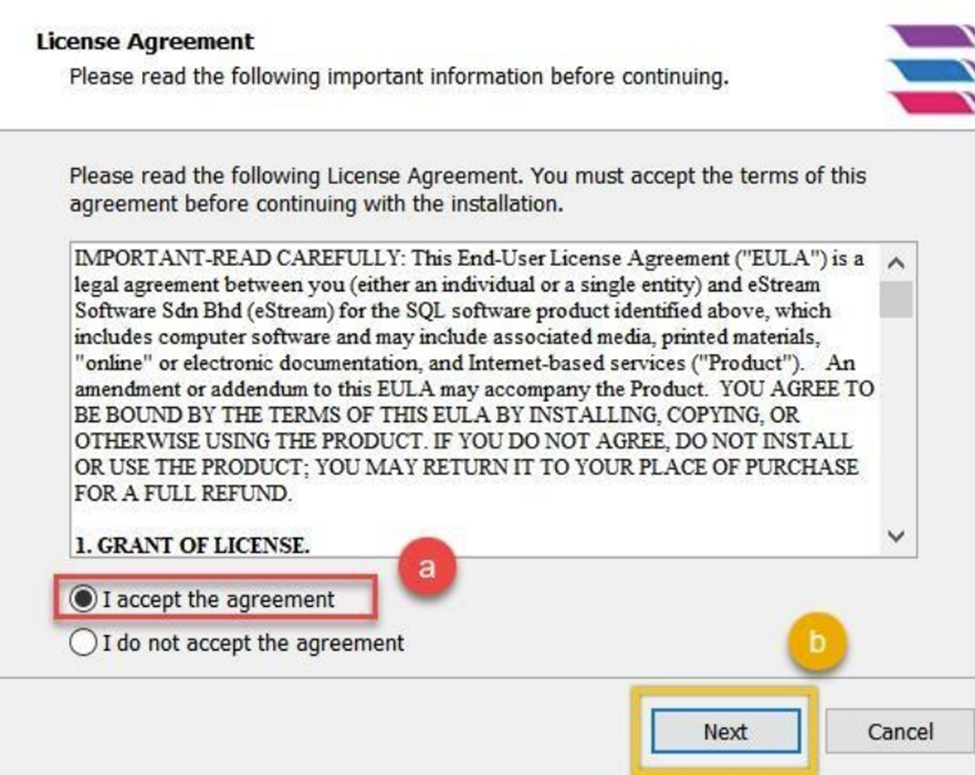
3.
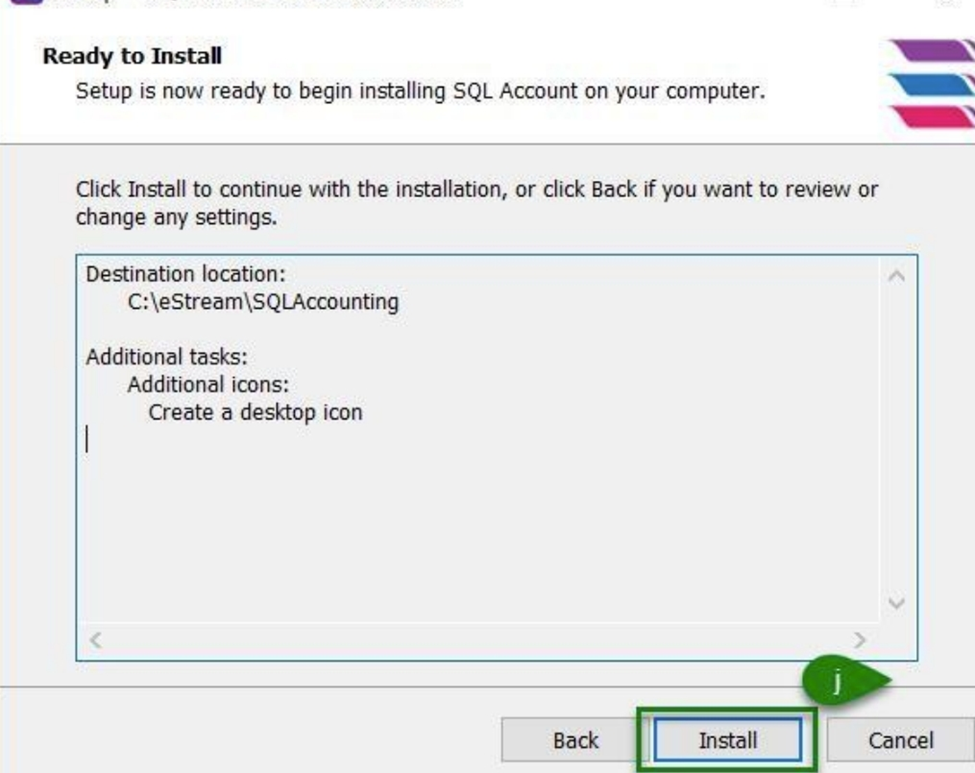
BE CAREFUL:
- Make sure your path is C:\eStream\SQLAccounting

- Make sure the folder at C:\eStream\SQLAccounting\bin
- Make sure the folder at C:\eStream\SQLAccounting\Share
- Make sure the folder at C:\eStream\SQLAccounting\DB
- Please do not change the setting if all paths are the same as mentioned above, just click Next


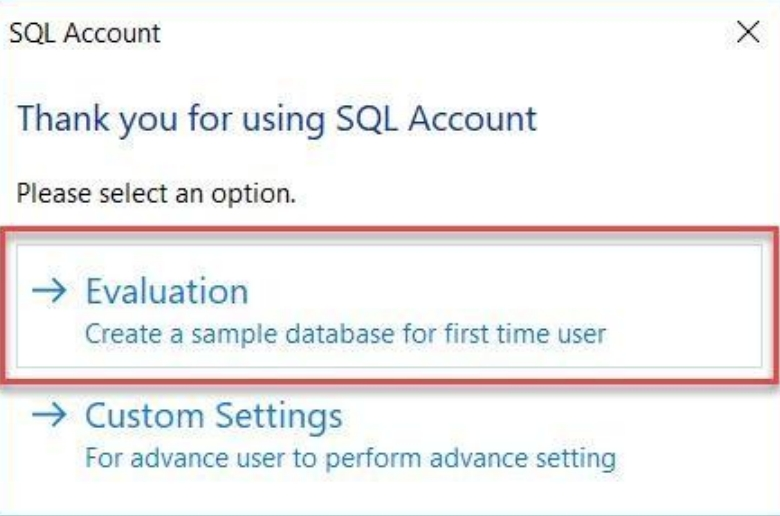
4. Click evaluation (system will auto create a testing company)
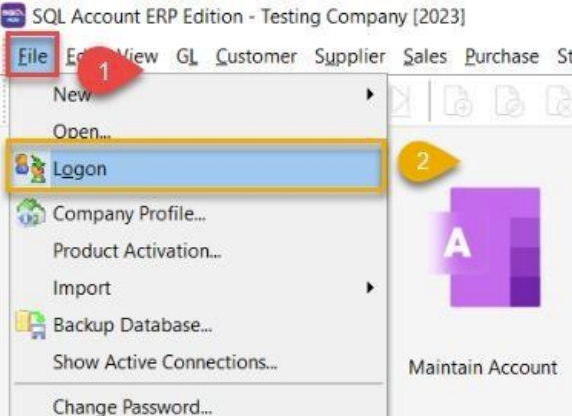
5. After that,
logon to create the database
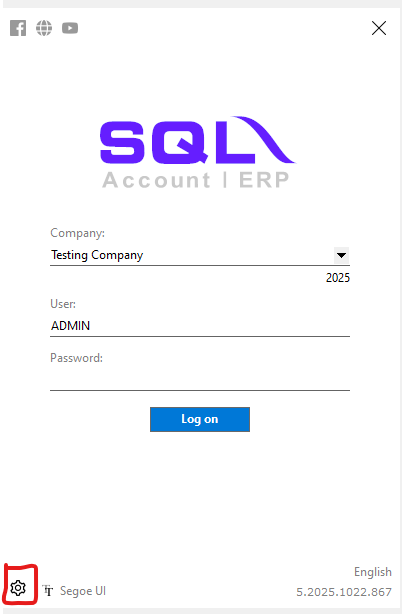
6. create new database

7. Insert Company Name, Click OK

8. New Company Created, Double Click on it to login

9. User and Password is ADMIN
