Categories
STOCK - 2. Assign the supplier to the product item
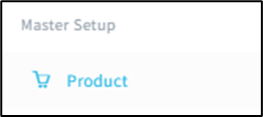
-Go to Product tab under Master Setup.
-Click on [Product Item].
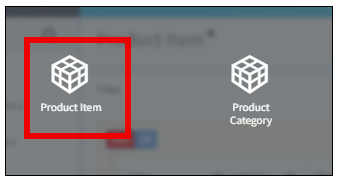
-This is Product Item Page.
-Select the item that need to assign supplier. Example: Ice Bag.
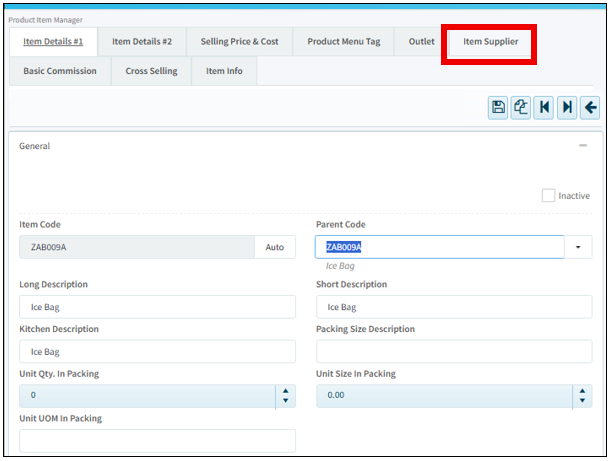
Click on the [Item Code] to enter.

-Go to [Item Supplier] tab.
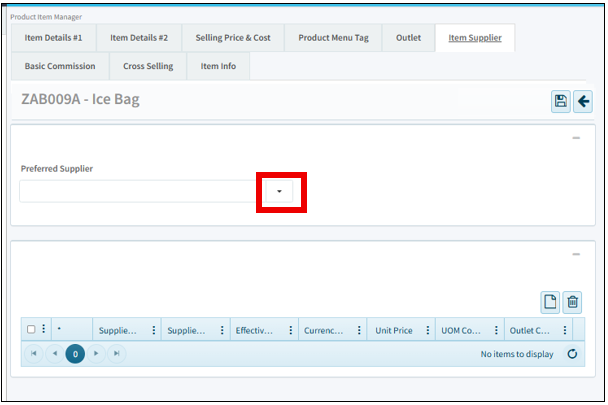
-This is Item Supplier page. Click on the button to select.
-This tab will pop out, click at the tick to continue. Example: K002.

-Then, this is how it looks. Then click [Save].
